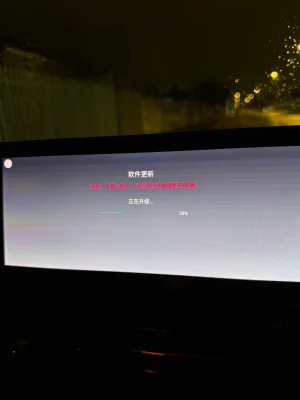
My mate with his MG4 Standard MY23 proceeded as follows: He was already on SWI69-R45 with the corresponding Standard MCU. He then only updated the MPU to the R67 version of SW68 and did not touch the MCU.
That means before the first boot into the menu, he had SWI68-R67 as the MPU and 69.5.9.0 Standard MCU. During the initial setup, at the step where activation is required, he simply pressed “Activate” — and it worked on the first try.
In my case, it didn’t work like that. And if it doesn’t work for you either after following the described procedure, you might have a TBox issue like I do: My TBox appears to be defective in the sense that it cannot establish an independent mobile data connection.
I discovered this by chance on my Standard MY22 when I tried to access the Amazon Music login page using the mobile data from the integrated SIM. In my case, the login page only loads via Wi-Fi. I assume that for the activation process, the mobile data connection needs to be functional at least once so that the FICM can be properly activated.
In my case, I’m already in contact with my MG agent. He told me that if the TBox mobile data connection is not working again by March 1st, I’ll need to have the TBox replaced — and that’s exactly what I’ll do if it still doesn’t work.