Hello,
Thanks to all who have spent time putting this guide together.
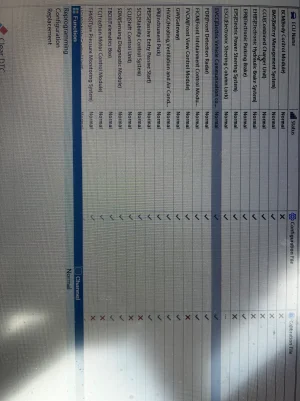
I successfully carried out the EVCC update to allow for charging using the Tesla super charger in the UK on MG5 EV LR PFL.
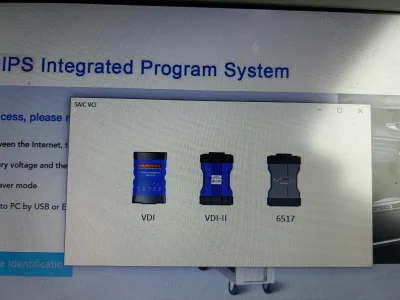
I bought the VDI3 tool from Alibaba
https://www.alibaba.com/x/1lAM8ZU?ck=pdp which took just over a week to be delivered.
A Windows laptop with fresh install of windows.
Problem 1
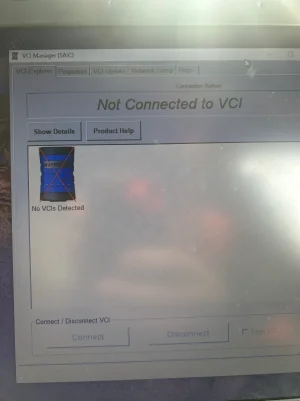
1. Not connected to VCI - The VDI tool connected initially via USB its network device name in my installation was Network 2.
2. During SIPS installation I selected the VDI tool network device which reconfigured it — renamed to network 3 which broke the connection to VCI Manager
Solution
1. Edit windows registry and delete network 2 / 3 - this youtube video shows where to go
2. In addition to above I also reset network setting in windows and restarted PC.
3. The VDI tool was renamed back to network 2 and connection to VCI manager was restored.
Problem 2
1. EVCC reprogramming failed error message “Unknown error. Please contact TAC”
Solution
1. VNCI Device Manager - update firmware of VDI tool from 0.0.0.0 to 1.0.0.9