

Pisuke
Standard Member
- Joined
- Jan 28, 2026
- Messages
- 79
- Reaction score
- 76
- Points
- 25
- Location (town/city + country)
- Spain
- Driving
- MG4 (2022-2025)
First of all, thank you for your help.@Pisuke I'll help you.
#1: Choose an USB stick up to 32 GBs so you can format it easily with fat32. If your USB stick is larger, use Rufus to format it with fat32 extended.
#2: Go to root directory. It must be blank. Then, please create a foldercalled Tbox_MPU.
#3: Download correct ...P23EH32 zip-file, extract it and put every file in folder Tbox_MPU.
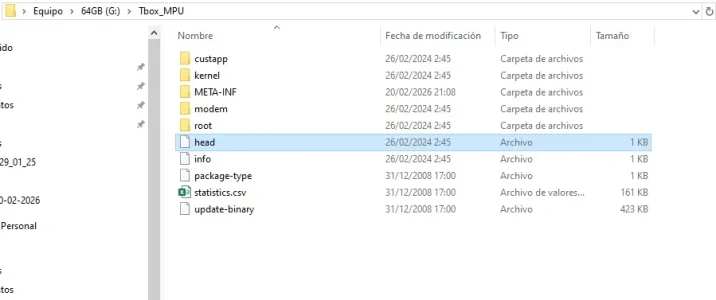
The structure looks like this:
View attachment 43699
#4: Follow pdf guide and update again.
Your file structure is wrong. You haven't followed the guide correctly
The USB drive 64Gb is formatted in exFAT.
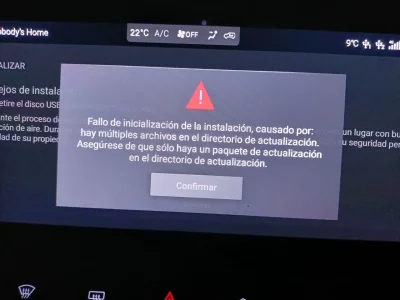
If I extract the .zip file (screenshot attached), I get a message saying there are too many files and only one is needed.
If I don't extract it, it says the USB drive isn't recognized.

Attachments
Last edited:

 .
.


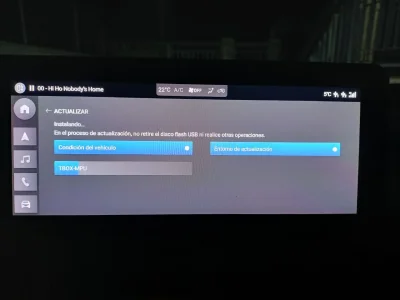
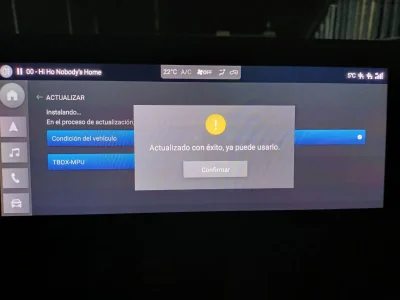
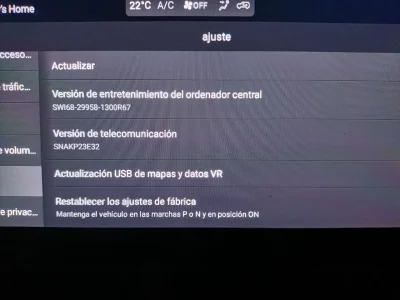

 Sorry for that.



